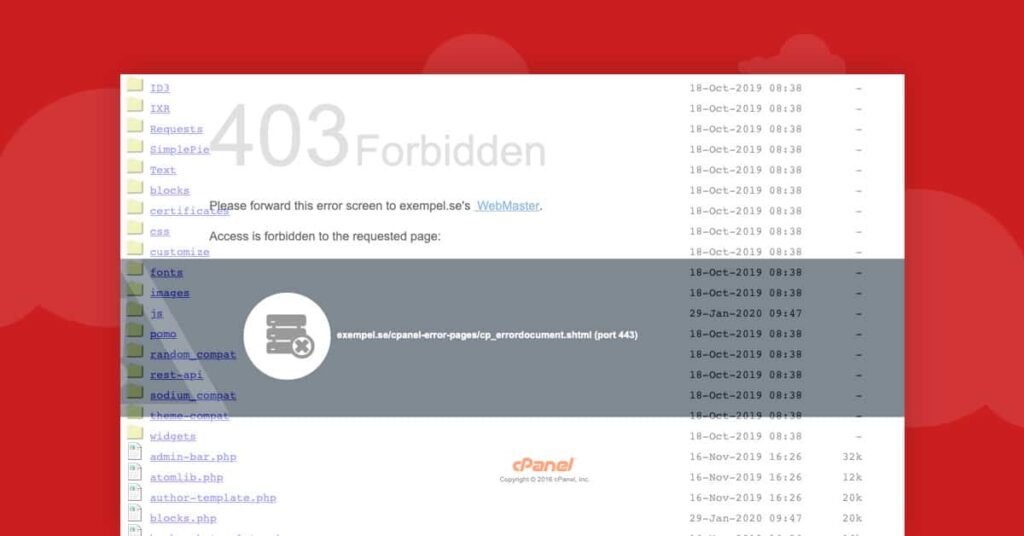
Any file you upload to the public folder on a web server (in our case public_html can be accessed if you have the right URL.
When you go to a folder in your browser, most servers will automatically list the contents of the folder. This is called directory listing. Many applications, including WordPress, include empty index.php files to hide the contents of upload folders, for example.
We are now changing so that all our servers have directory listing turned off by default. Should you wish to turn on directory listing for an entire site or just a folder , you can easily do so.
Access protection to PHP’s error_log and other sensitive files
At the same time, we add access protection to PHP’s error log.
If you are running PHP and get an error, it will be logged in the error_log file. It will now no longer be accessible through its URL in the browser. If you want to look at the log files, you can use the file manager in cPanel or FTP.
It’s easy to forget that sensitive info is stored in debug logs. By protecting the files by default, we reduce the risk for you.
It is also easy to put a database backup in a public folder and forget about it. The database often contains very sensitive data. That’s why we also protect .sql files from public access.
By default, we already protect a number of other files from access via HTTP such as the .git folder.
Take the opportunity to protect access to WordPress debug.log
Do you sometimes need to debug your WordPress site? Take care to protect even the WordPress debug.log file so that no one accidentally accesses it.
You do this easily with a line in your .htaccess file:
RewriteRule ^(.*/)?wp-content/debug.log$ - [R=404,L]