- Three Highlights of WordPress 7.0
- Real-Time Collaboration has been postponed
- WP AI Client
- A modernized dashboard
- Improved block architecture
- Read the field guide for more news
3 featured features in WordPress 7.0
After much back-and-forth, WordPress 7.0 is finally here. This latest update may not include any big and flashy features, but it does include several useful and important changes that make life easier for anyone who works with WordPress in any capacity.
But in light of the recent weeks’ commotion surrounding the update—which has been postponed several times and is noticeably delayed—the biggest news regarding WordPress 7.0 is perhaps what ’s missing :
The (currently postponed) feature allowing collaboration within the editor.
Real-Time Collaboration has been postponed
The new collaboration mode, Real-Time Collaboration (RTC), was supposed to be one of the more exciting new features in 7.0. The feature was intended to allow multiple editors to work on the same post simultaneously, thereby eliminating the need to pass drafts back and forth in other programs before pasting them into WP.
But in practice, it turned out to be easier said than done. The original solution didn’t work as intended and introduced several bugs that made it too difficult to use.
So after six beta versions and two release candidates, the decision was made to completely remove RTC from this update. A difficult decision to make, especially considering the effort and time invested—but likely the right one. Now the developers have even more time to prepare, which will hopefully result in an even better feature before the next release.
But enough about what’s not included! Here are three new features that our own WordPress specialists have selected because they’re worth taking a closer look at.
WP AI Client – more AI in the core
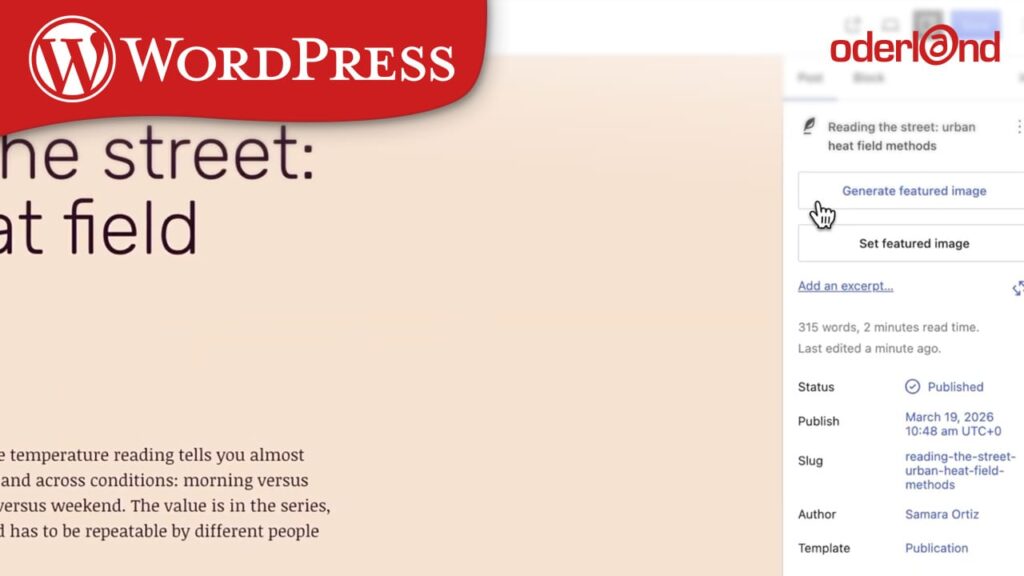
One nice piece of news that’s actually making it into 7.0 is the expansion of AI features in the core. WP AI Client is a new interface that lets plugins communicate with generative AI models directly through WordPress, without being locked into a specific provider. It’s managed under Settings > Connectors, where Anthropic, Google, and OpenAI are already preset.
It’s not a ready-made AI feature you can just click to activate, but rather a foundation for how AI will be integrated going forward. Together with the Abilities API and Connectors API, this update lays the groundwork for what the WordPress team calls “agentic collaborators”, meaning AI that can perform multi-step tasks, rather than simply responding to prompts.
Why You Should Update Your WordPress
Updating your WordPress is important for several reasons, not least for security reasons. That’s why we’ve compiled some tips on what to consider before you start updating in a simple guide.
A modernized dashboard
WP Admin has received a much-needed facelift. With a new color scheme, it has a cleaner look with higher contrast and updated typography.
An interesting practical detail is the new Command Palette shortcut: ⌘K (or Ctrl+K), which is now permanently located in the admin bar and lets users jump to tools, pages, and settings more easily.
As a bonus, editors can now compare two versions side by side using a slider. It’s a feature you might not have realized you were missing until you actually had it.
Improved block architecture
The new version also includes changes that make design work more flexible.
The Paragraph block now supports column layouts for text. Body text can now be divided into multiple columns directly from the block’s settings, a feature that previously required custom CSS or separate Columns blocks.
In addition, 7.0 introduces a new Headings block, a Breadcrumbs block that automatically reflects the site’s hierarchy, lightbox support in the Gallery block, and support for video as a background in the Cover block. For developers, there are also dimension presets in theme.json and support for pseudo-elements on buttons.
Read the field guide for more news about WordPress 7.0
If you haven’t already, you can read about more updates and new features in this release field guide. You might also be interested in checking out what Gutenberg Times has to say about WordPress 7.0.